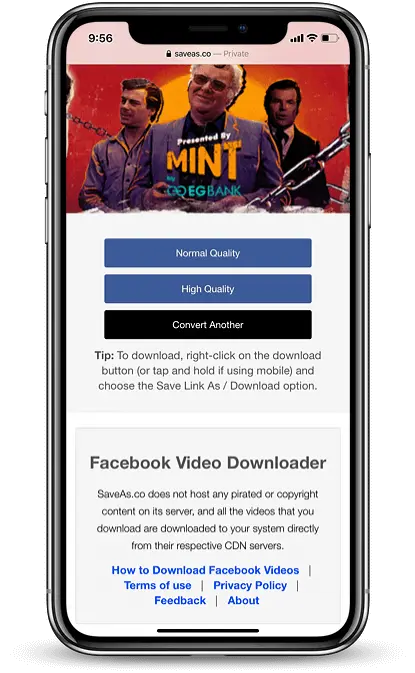
Как скачать видео с Facebook на iPhone (приложение не требуется)
Загрузчик видео с Facebook
Узнайте, как загружать видео с Facebook в формате HD (формат MP4) на iPhone или iPad — никаких приложений или джейлбрейка не требуется. Работает на: iPhone 16, 15, 14, 13, 12, 11 (Pro/Max), XR, XS, X, 8, 7, 6S и других устройствах.
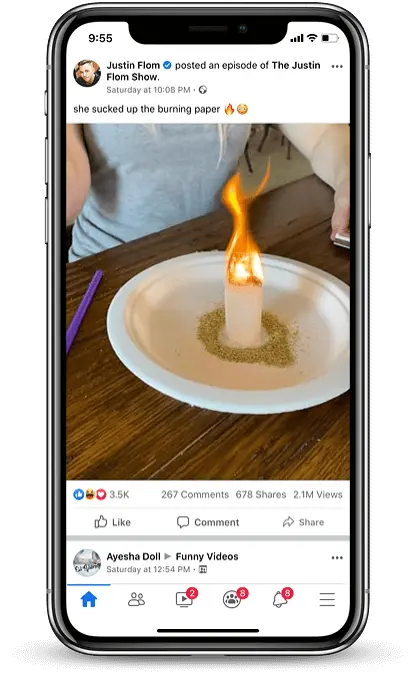
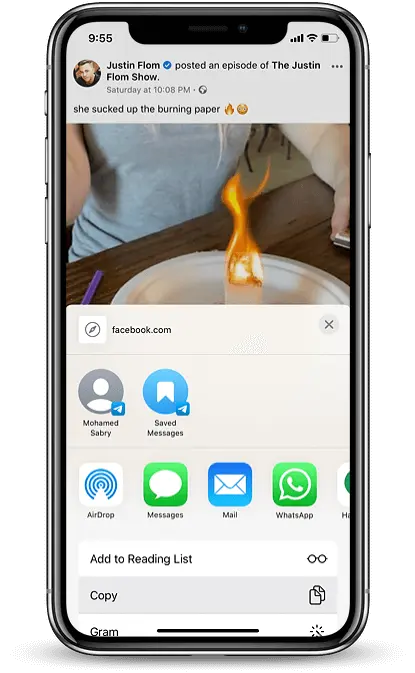
📱 Шаг 1. Скопируйте ссылку на видео из Facebook.
Откройте приложение Facebook, нажмите три точки ⋯ в правом верхнем углу видеозаписи, затем нажмите «Копировать ссылку».
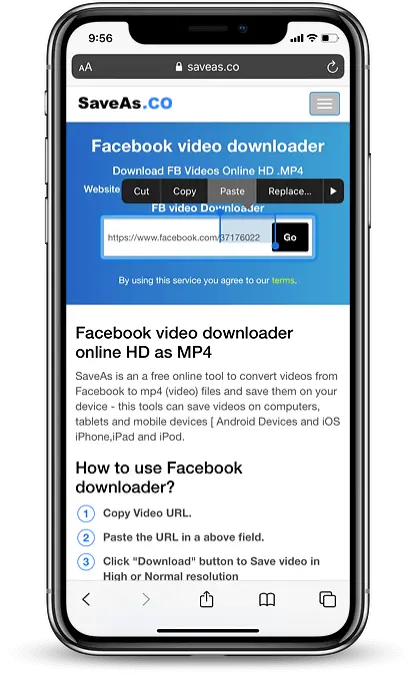
🌐 Шаг 2. Посетите facedownloader.net.
Откройте Safari и перейдите на сайт facedownloader.net. Вставьте скопированную ссылку в поле ввода и нажмите кнопку Загрузить.
🎬 Шаг 3: выберите качество видео
После обработки ссылки выберите «Нормальное качество» или «HD-качество». Safari начнет загрузку видео.
📂 Шаг 4: Сохранить в фотографии
Коснитесь значка со стрелкой загрузки в Safari, затем коснитесь видеофайла. Выберите Сохранить в фотографиях, чтобы сохранить его в альбоме iPhone.